
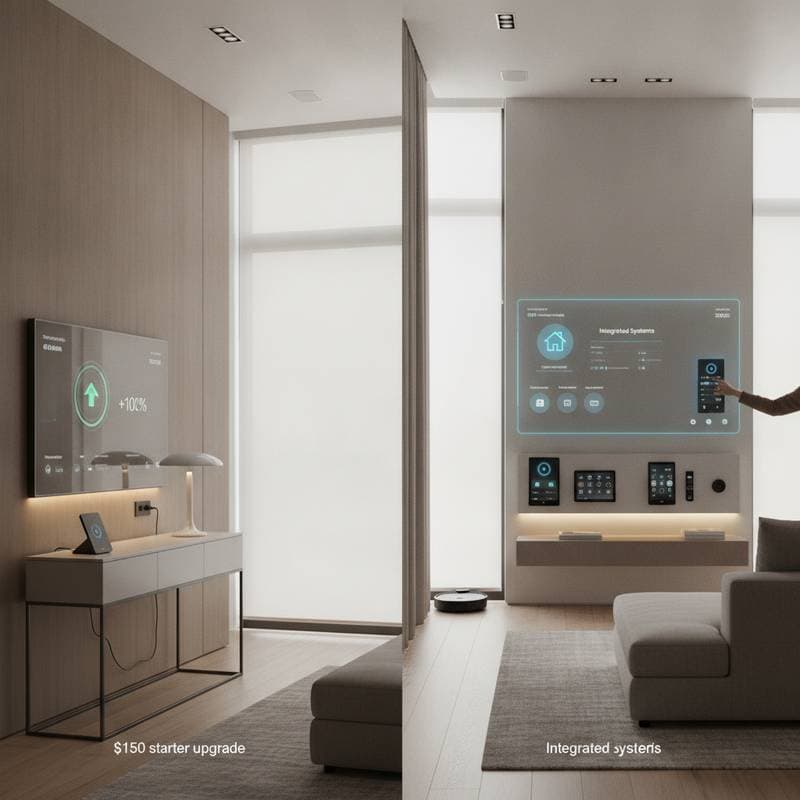
The Scene of a Smarter Home
You walk into your home after a long day. The lights adjust to your favorite setting. The temperature feels perfect. Your playlist begins without a single tap. This experience is available now to budget conscious homeowners through smart home automation. Technology that learns habits, reduces energy use, and adds measurable property value has become practical for many households.
The appeal extends beyond convenience. Small investments in automation frequently lower monthly bills while creating comfort levels that traditional systems rarely achieve. Success depends on selecting the right upgrades, understanding their costs, and planning for gradual expansion.
Understanding Smart Home Cost Ranges
Smart home costs vary according to the scope of automation. A basic setup for those just starting ranges from $150 to $800 and covers smart plugs, bulbs, and a Wi Fi hub. Mid range systems that add thermostats, door locks, and cameras generally fall between $1,000 and $4,000. Full home automation that includes integrated security, lighting control, and voice activation reaches $8,000 to $10,000 or higher.
These figures include both product prices and professional installation. DIY installation reduces expenses by several hundred dollars. Complex projects that require wiring or cross platform integration usually need expert help. Certified installers charge $75 to $150 per hour depending on location and project size.
The Best Budget Friendly Upgrades
Strategic choices deliver strong returns without large outlays.
Smart Lighting
Replace standard bulbs with smart LEDs as the simplest starting point. Plan to spend $10 to $50 per bulb based on brand and color capabilities. Systems such as Philips Hue or Kasa provide app control, voice activation, and energy monitoring. Add motion sensors and dimmers later for customized lighting.
Smart Thermostats
These devices learn daily routines and adjust heating and cooling automatically. Entry level models begin near $120. Premium versions with room sensors approach $300. Homeowners commonly notice lower energy bills within the first few months.
Smart Plugs and Outlets
Smart plugs cost roughly $15 to $40 each and convert ordinary lamps or appliances into controllable devices. They operate through apps or voice assistants, which suits renters and anyone testing automation without permanent changes.
Security and Surveillance
A basic smart doorbell camera costs about $100. Full security packages with sensors and recording storage reach $600 to $1,200. Subscription plans for monitoring add a modest recurring fee while improving safety.
Planning for Scalability
Incompatible devices represent a frequent planning error. Select one control ecosystem such as Google Home, Amazon Alexa, or Apple HomeKit before buying equipment. Consistent choices allow new devices to integrate without friction. Look for products labeled hub free or multi platform compatible when future expansion is likely.
Wiring intensive upgrades such as automated blinds benefit from professional installation. Electricians experienced with smart systems locate optimal power sources and confirm compliance with local codes.
Hidden Costs and Value Considerations
Subscription services, software updates, and maintenance require attention beyond initial equipment purchases. Many systems need cloud storage or monitoring fees that add $3 to $15 per month. These charges accumulate yet remain modest relative to overall benefits.
Well installed automation often increases property value. Real estate data indicate that homes with integrated smart features sell faster and command premiums of 3 to 5 percent over comparable properties. Buyers value built in energy efficiency and contemporary security.
Safety and Privacy Essentials
Connected devices introduce data considerations. Change default passwords immediately. Enable two factor authentication. Update firmware on a regular schedule. Reputable brands publish clear privacy policies and offer local storage options that reduce cloud reliance. Position cameras to avoid public areas or neighboring properties.
Consult a licensed electrician for any rewiring or electrical connections. DIY work suits plug and play devices but not modifications to home electrical infrastructure.
Expanding Your System Over Time
Once core devices operate reliably, routines that simulate occupancy or trigger multiple actions through single voice commands become straightforward. Energy monitoring dashboards reveal consumption patterns and guide further refinements. Technology and household needs continue to evolve, so begin with improvements that simplify daily life and add features as budget permits.