
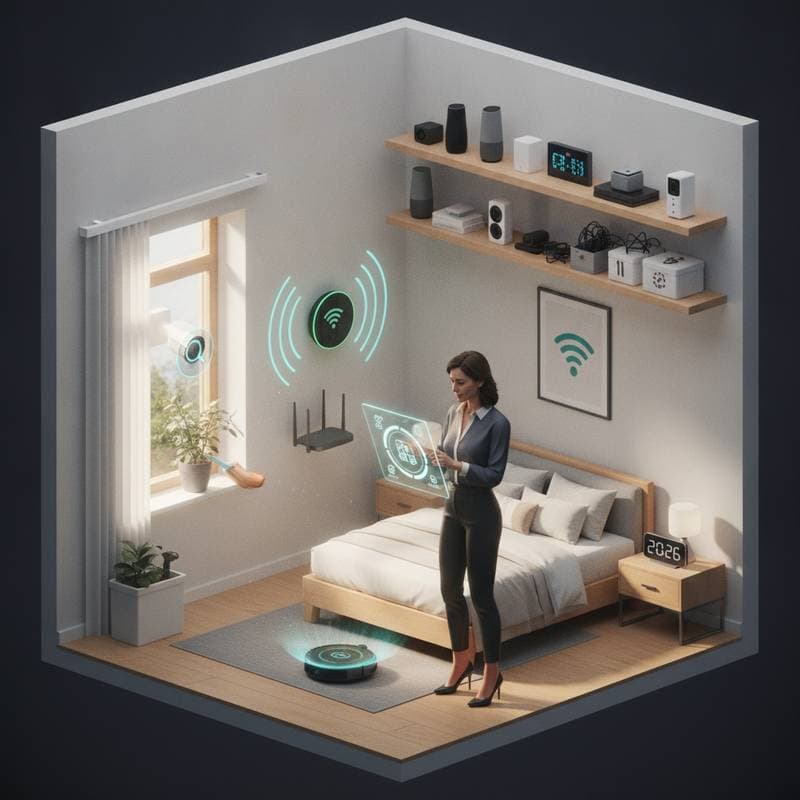
Smart Home Maintenance for Spring Readiness
If your living room lights have been flickering or your smart thermostat seems confused lately, it might be time for a digital tune-up. As the weather warms, your smart home deserves the same care you give your garden or gutters. A little seasonal maintenance keeps your devices running smoothly, saves energy, and protects your investment in home automation.
Benefits of Seasonal Smart Home Care
Spring brings fluctuating temperatures, humidity changes, and more sunlight. All of these factors can affect connected devices. Sensors may need recalibration. Batteries could lose efficiency. Wi-Fi coverage might struggle as you open windows or rearrange furniture. Spending a few hours on maintenance now can prevent frustrating malfunctions later.
Update Firmware and Batteries
Check every connected device for firmware updates. Manufacturers often release security patches and performance improvements that help your system run more efficiently. Open your smart home app and look for pending updates. Apply them one by one. Start with security cameras and door locks.
Check the batteries in sensors and remotes at the same time. Many smart devices rely on small coin batteries that quietly drain over time. Replacing them now prevents mid-season surprises. Expect to spend less than twenty dollars if you buy a multi-pack of quality batteries.
Optimize Network Connectivity
Smart homes thrive on strong Wi-Fi. If your router is more than a few years old, it might struggle to handle dozens of connected devices. Run a speed test in different rooms and look for weak spots. You can improve performance by moving your router to a central location or adding a mesh extender. Entry-level extenders cost about fifty to one hundred dollars. A full mesh upgrade can reach two hundred or more.
Unplug your router for a minute to clear memory and refresh connections. This step often solves lag or disconnection problems.
Maintain Sensors and Devices
Dust and pollen can interfere with motion detectors, thermostats, and air quality monitors. Use a microfiber cloth or gentle vacuum attachment to remove buildup. For thermostats, compare their readings to a traditional thermometer. If the difference is more than two degrees, recalibrate using the device settings menu.
Smart lighting systems may also need attention. If bulbs flicker or respond slowly, reset the hub and reconnect them. This quick fix often restores full brightness and responsiveness.
Adjust Seasonal Automations
Your daily routines likely shift with the season. You might open windows more often or spend evenings outdoors. Review your automations to match your new habits. Adjust lighting schedules, thermostat setpoints, and irrigation times. This step improves comfort and reduces energy waste.
If you use voice assistants, retrain them to recognize any new devices you have added. It is a small step that saves future frustration when you try to turn on the patio lights hands-free.
Additional Recommendations
- Label each smart device in your app for easier troubleshooting later.
- Back up your automation settings before making major changes.
- Schedule a biannual smart home checkup just like HVAC maintenance.
- Keep firmware auto-updates enabled for critical systems like locks and cameras.
Ongoing Smart Home Management
Once your devices are refreshed and routines updated, your home will feel more responsive and efficient. Seasonal smart home care creates a space that adapts to you. Enjoy the comfort of knowing your connected home is ready for spring energy, fresh air, and longer days ahead.