
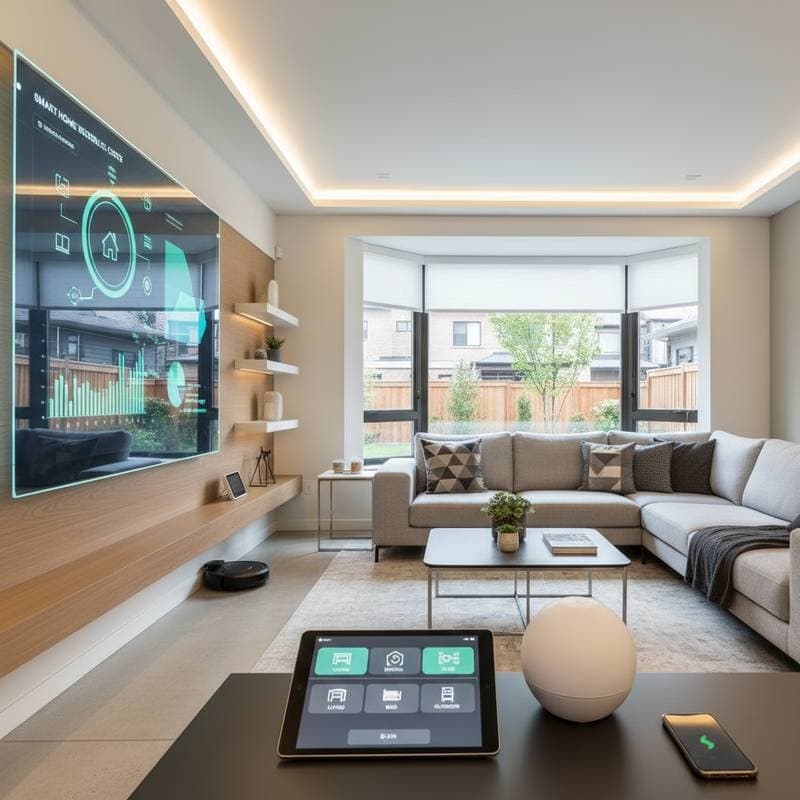
2025 Smart Home Costs: Budget Wisely for Upgrades
If you have ever wished your home could handle a few chores for you, from adjusting the lights to reminding you about low milk in the fridge, you are not alone. Smart home upgrades are no longer reserved for tech enthusiasts. They have become an attainable way to make daily life more comfortable, efficient, and safer. The challenge lies in figuring out how to budget for these upgrades without draining your savings. Whether you plan one room or a whole-house transformation, understanding the real costs behind smart technology will help you make confident, cost-effective choices.
What Drives Smart Home Costs
Smart home pricing depends heavily on how connected you want your space to be. A few smart bulbs and a video doorbell might cost under $500, while a fully integrated system with voice control, automated climate management, and security monitoring can range from $5,000 to $25,000 or more.
Here is a quick breakdown to help you estimate where your plans might fall:
- Entry-level upgrades ($200 to $1,000): Smart speakers, plugs, bulbs, and doorbells. These are simple plug-and-play devices that require minimal setup, such as connecting to Wi-Fi via a mobile app in under 10 minutes.
- Mid-range automation ($1,000 to $5,000): Includes smart thermostats, security cameras, leak detectors, or motorized blinds. These systems often work together through an app or hub, allowing you to control multiple devices from one interface.
- Full-home integration ($5,000 to $25,000+): Centralized hubs, smart HVAC systems, lighting controls, and built-in entertainment setups. These projects may need professional installation and custom wiring to ensure seamless operation across all rooms.
Planning a Smart Home Budget That Works
Before you start ordering devices online, take a moment to map out your goals. Ask yourself what problems you want technology to solve. Perhaps you aim to lower energy bills, keep your home secure, or simply enjoy convenience. Once your priorities are clear, you can budget more efficiently.
Follow these steps to build a solid plan:
- Set a clear spending limit. Decide what you can comfortably invest this year, then prioritize upgrades that deliver the biggest return, such as a thermostat that pays for itself through energy savings within one year.
- Start with compatible systems. Choose devices that work with the same platform, such as Alexa, Google Home, or Apple HomeKit, so you can expand later without replacing everything and incurring additional compatibility costs.
- Budget for installation. Professional setup can range from $75 to $200 per hour, depending on your location and system complexity; for a basic hub installation, allocate 2 to 4 hours.
- Plan for future updates. Smart technology evolves quickly, so leave 10 to 20 percent of your budget for software subscriptions or replacements every few years, like upgrading firmware to support new features.
The True Cost of Convenience
Smart technology can save money over time, but only if used strategically. A smart thermostat can cut heating and cooling bills by roughly 10 to 15 percent if programmed to adjust temperatures based on occupancy patterns. Smart lighting systems might reduce electricity use by up to 30 percent, especially if you automate schedules or integrate motion sensors to turn off lights in unoccupied areas.
Still, there are hidden costs to consider. Some devices require monthly cloud service fees or storage subscriptions for video footage. While many systems offer free basic plans, premium features can add $5 to $20 per month. Over a year, that amounts to an extra $60 to $240 you should include in your long-term budget.
When to Call in the Pros
Some smart home projects suit DIY enthusiasts, while others demand professional expertise. Swapping out a light bulb or adding a smart plug is straightforward and can be completed in minutes with basic tools. However, installing a wired camera system or integrating multiple hubs across your home may require licensed electricians or network specialists to handle complex configurations.
You will also want expert help if you connect smart devices to existing HVAC or security systems. Incorrect wiring can void warranties or create safety risks, such as electrical shorts. A professional ensures devices meet local electrical and building codes, preventing expensive mistakes like fines or rework down the line.
Safety and Data Privacy Considerations
Smart homes rely on constant internet connectivity, which means data security must form part of your planning. Invest in reputable brands that provide strong encryption and regular software updates to protect against vulnerabilities. Use unique passwords for each device, at leastlong with a mix of letters, numbers, and symbols, and enable two-factor authentication where available.
If you use smart locks or video doorbells, review manufacturer guidelines on data storage and sharing policies. Many homeowners opt for local storage options, such as microSD cards in cameras, to avoid cloud risks. It pays to spend a bit more on equipment that prioritizes your information security, potentially saving you from data breaches that could cost hundreds in identity protection.
Getting the Most Value from Your Investment
Before making big purchases, evaluate your home's layout and daily habits. For instance, place a smart leak sensor under the kitchen sink to alert you via app to potential floods, potentially saving thousands in water damage repairs. Install a motion-activated outdoor light near entry points to deter intruders while cutting energy waste by activating only when needed.
The key is selecting technology that supports your lifestyle rather than impressing guests with unused features. If you plan a remodel or new construction, run extra wiring or install smart-ready outlets during the build phase. This approach costs 30 to 50 percent less than retrofitting later, as it avoids tearing into walls.
Maintaining and Expanding Your Smart Setup
Once your upgrades are complete, dedicate time to learn the system's features thoroughly. Create routines that align with your schedule, such as dimming lights 30 minutes before bedtime or setting the thermostat to energy-saving mode when you leave for work. Update firmware monthly and review app settings quarterly to sustain performance and security.
You do not need to automate everything at once. Begin with two or three devices, test their integration, and expand based on what enhances your routine most. In this way, your smart home simplifies life effectively over time.