
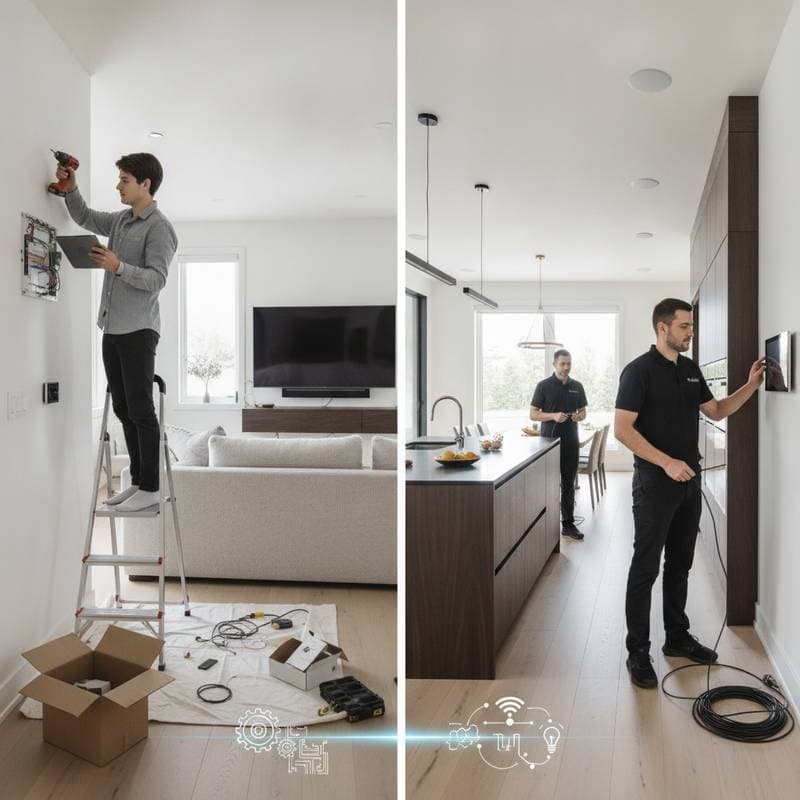
Choosing Between DIY and Professional Smart Home Setup
If you have ever started installing a smart thermostat only to discover missing wiring diagrams and conflicting apps, you already understand how quickly a project can grow complicated. The promise of automation includes comfort, energy savings, and convenience, yet reaching those benefits requires careful decisions about installation methods. This guide provides a clear framework based on cost, complexity, safety, and long-term reliability.
Defining a Functional Smart Home System
A smart home functions as an interconnected group of devices that share data and follow your routines. Lighting adjusts on its own, locks respond to your arrival, and thermostats adapt to daily patterns. Success depends on proper installation and integration rather than isolated gadgets.
Three factors determine the best approach. System scale ranges from one speaker to whole-home control of HVAC, lighting, and security. Technical comfort level covers simple app setup or advanced electrical and network work. Desired reliability influences whether DIY suffices for small setups or professional calibration is required for consistent performance.
Advantages of Handling Installation Yourself
DIY installation suits homeowners who prefer hands-on work and want to limit expenses. Many current devices support straightforward plug-and-play connections.
Projects well suited to DIY include smart plugs, voice assistants, Wi-Fi bulbs, battery cameras, and basic thermostats. Most finish in one to four hours using common tools and a smartphone. You pay only for the hardware, with typical device prices between 25 and 300 dollars.
Key benefits include no labor charges, scheduling on your own timeline, direct knowledge of every component for future troubleshooting, and the option to begin small then add devices later.
Limitations That Appear During DIY Projects
DIY work can create network overload when multiple devices compete for bandwidth on an older router. Device compatibility problems also arise when brands fail to communicate, leaving users to manage several separate apps.
Additional issues include missed firmware updates, incorrect wiring on thermostats or switches, and incomplete privacy settings. Any of these can reduce reliability or void warranties, prompting some homeowners to seek professional assistance after early attempts.
Situations That Call for Professional Installation
Professional installers apply tested procedures to connect devices into one coordinated system. This route fits projects that involve electrical work, complex automation sequences, or high-value security.
Professional support is recommended for hardwired switches and panels that must meet local codes, whole-home automation that links lighting with HVAC and entertainment, encrypted network configuration for data protection, and custom routines such as coordinated blind and speaker control.
Costs typically run 100 to 250 dollars per device for standard hardware and 1,000 to 3,500 dollars for complete multi-room systems. The higher price delivers warranty coverage, expert configuration, and ongoing technical support.
Side-by-Side Comparison of Installation Options
- Average cost per device: DIY ranges from 25 to 300 dollars; professional ranges from 100 to 250 dollars.
- Setup time: DIY requires 1 to 4 hours per device; professional requires 2 to 6 hours per system area.
- Technical skill needed: DIY calls for basic to moderate ability; professional requires none from the homeowner.
- Warranty coverage: DIY is usually limited to the device; professional covers the full system.
- Integration level: DIY produces partial or single-device results; professional produces a complete ecosystem.
- Maintenance: DIY means self-managed updates; professional includes scheduled service.
Assessing Your Home Infrastructure First
A stable Wi-Fi signal throughout every room forms the foundation for reliable device performance. Older routers or homes with thick walls often need a mesh upgrade before new devices are added.
Review these items before starting: confirm internet reaches all areas, verify enough outlets exist, update your phone and apps, ensure the router handles many connections, and check local electrical codes for any wiring tasks. Missing two or more items suggests professional help will reduce frustration.
Weighing Upfront Cost Against Lasting Value
Energy savings from automated thermostats and lighting can recover installation expenses within several months to a year. Security systems with remote monitoring may also lower insurance rates.
Example costs illustrate the difference. A four-room DIY lighting project runs 400 to 600 dollars. Professional lighting automation with dimmers and sensors reaches 2,000 to 3,000 dollars yet supplies remote scheduling and voice integration. Thermostat work costs about 150 dollars for DIY or 400 dollars when a professional handles wiring and calibration.
Safety Requirements and Electrical Codes
Any wiring, HVAC connection, or structural change must follow local codes to avoid insurance issues or safety hazards. Older homes frequently lack a neutral wire needed by many smart switches, so verification by a qualified electrician prevents improper function.
When performing your own wiring, turn off power at the breaker, use insulated tools, follow manufacturer diagrams exactly, confirm brand compatibility, and test connections before restoring power. Uncertainty at any step indicates it is time to contact a certified installer.
Resolving Typical Performance Issues
Devices that drop Wi-Fi connections improve when the router is repositioned, firmware is updated, and mesh nodes are added for coverage. Voice commands that trigger the wrong device are fixed by clear renaming in the hub app.
Automation routines that overlap are corrected by reviewing schedules and resetting time zone settings. Slow responses are reduced by removing unused devices, connecting hubs via Ethernet, or upgrading the internet plan.
Decision Framework for Your Project
Begin with your own comfort level for hands-on tasks. Move to professional support when device count or integration complexity rises. Factor in risk level for any wiring or security work. Match project size to the chosen method. Consider future maintenance preferences when selecting service plans.
Many homeowners combine approaches by completing simple device setups themselves and engaging professionals for security panels or energy systems.
Ongoing System Optimization
After the first devices operate reliably, add features such as motorized shades or irrigation sensors that monitor usage patterns. Continued learning allows you to maintain the balance between personal control and expert support for sustained performance.