
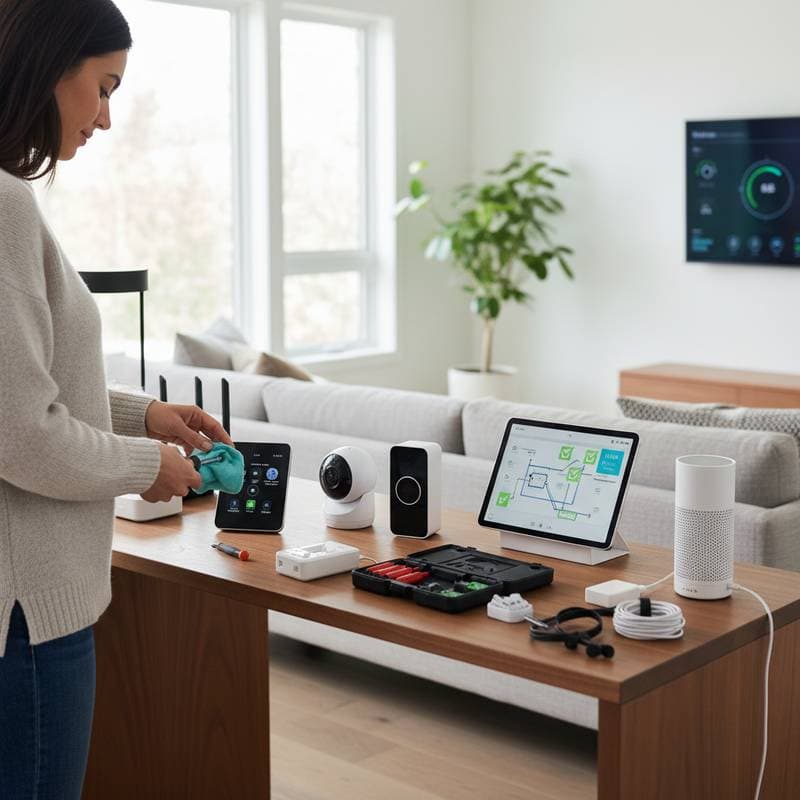
Spring Checkup: Vital Steps for Smart Home Endurance
If you have ever noticed your voice assistant ignoring commands or your smart thermostat failing to follow the schedule, you understand that technology requires care similar to other elements in your home. Spring provides an ideal opportunity to attend to your smart devices. Fresh air and extended daylight hours often inspire cleaning efforts, yet this year, extend those efforts beyond physical surfaces. A comprehensive smart home checkup prevents expensive device failures and maintains smooth operation throughout the season.
Why Smart Home Maintenance Matters
A typical smart home incorporates various connected devices, such as doorbell cameras, thermostats, plugs, lights, and speakers. When these components function in harmony, they deliver a seamless user experience. Disruptions lead to issues like rapid battery depletion, delayed responses, or security vulnerabilities. Consistent maintenance preserves the value of your investment and safeguards personal data.
Consider the analogy of vehicle servicing. Advanced technology demands regular attention to remain efficient. Neglecting software updates or hardware inspections results in premature replacements. Investing a few hours in preventive measures each spring yields extended device longevity and reduced frustrations.
Step 1: Refresh Your Network Foundation
All smart home functions rely on a stable Wi-Fi connection. Address the network infrastructure before examining individual devices.
- Reboot the router to eliminate accumulated memory and enhance connection speeds.
- Install firmware updates for routers and extenders. These updates from manufacturers address security gaps and optimize performance.
- Rename the network and create segments where feasible. Designating a dedicated network for Internet of Things devices enhances security and minimizes interference.
- Assess signal coverage by traversing the home with a dedicated app. Reposition the router or incorporate a mesh node if weak spots persist in remote areas.
For budget considerations, entry-level mesh systems begin at approximately $150, while premium options for expansive homes exceed $400. Midrange solutions suffice for most single-story residences without dense barriers.
Step 2: Audit Device Performance and Placement
With a reliable network established, evaluate the devices directly.
- For smart thermostats, remove dust from vents and sensors using a soft microfiber cloth. Recalibrate settings to align with seasonal temperature shifts.
- For security cameras, clean lenses carefully, remove any debris like spider webs, and verify that motion detection areas remain appropriate.
- For smart bulbs and plugs, execute automation sequences. Reset or relocate unresponsive units nearer to the router if necessary.
- For voice assistants, erase outdated voice recordings and examine linked skills or applications. Eliminating unused connections improves response times.
Persistent delays or inconsistencies often stem from evolving firmware or application modifications rather than device defects. Rebooting or re-pairing typically resolves such communication discrepancies.
Step 3: Review Security and Privacy Settings
Smart devices gather information on daily routines, preferences, and energy consumption patterns. Protecting this data demands vigilance.
- Update default passwords on devices that retain factory settings.
- Activate two-factor authentication for all associated accounts.
- Examine privacy control panels to identify data shared with manufacturers or external applications.
- Review network activity logs for anomalies, particularly on routers equipped with monitoring capabilities.
Expertise in cybersecurity proves unnecessary for basic protection. Leading brands provide intuitive interfaces to navigate privacy features. Consult the manufacturer's official support resources for detailed guidance if questions arise.
Step 4: Replace Batteries and Check Power Sources
Overlook the batteries powering sensors until a critical failure occurs. Establish an annual spring routine to inspect and renew them.
- For door and window sensors, install fresh coin cell batteries or recharge built-in units.
- For smart locks, replace batteries promptly upon receiving low-power notifications.
- For outdoor cameras, inspect solar panels or cables for damage from weather exposure.
- For smart remotes and controllers, clean contact points prior to fitting new batteries.
This battery overhaul typically costs between $15 and $50, based on device quantity, yet it averts erroneous alerts and connectivity interruptions. Reliable power sources ensure security systems perform without interruption during essential moments.
Step 5: Evaluate Energy Efficiency
Variable spring weather challenges automated controls. Use this period to refine energy management configurations.
- For smart thermostats, modify schedules to accommodate milder conditions. Activate eco modes that minimize heating or cooling during absences.
- For smart plugs, disconnect or deactivate appliances consuming phantom power.
- For lighting systems, configure daylight sensors to limit unnecessary illumination.
- For energy monitoring centers, analyze previous season data to identify consumption patterns.
Minor adjustments yield noticeable savings. An optimized smart home reduces annual energy expenses by five to fifteen percent, influenced by regional utility costs and household behaviors.
Step 6: Clean and Inspect Hardware
Accumulated dust impairs sensor accuracy and fan efficiency, so perform routine cleaning on all devices.
- Disconnect power sources before surface wiping.
- Apply compressed air to clear vents and intake areas.
- Avoid liquids near ports and charging interfaces.
- Examine cables for signs of wear, such as fraying or insecure connections.
This maintenance practice sustains optimal performance and mitigates overheating risks, particularly in confined or busy locations.
Step 7: Schedule Software Updates and Backups
Smart home platforms advance rapidly. Firmware releases from manufacturers enhance device interoperability, correct errors, and strengthen defenses. Dedicate time quarterly to apply updates universally.
For systems with a central hub, create backups of automation configurations. Certain platforms support cloud storage, while others necessitate manual file exports. Retaining duplicates facilitates swift restoration following update-related issues.
Pro Tips for Success
- Assign descriptive labels to each device. Clear naming simplifies future diagnostics.
- Maintain a dedicated technology journal. Document setup dates, battery specifications, and warranty details for reference during outages.
- Organize storage solutions. Designate a container for extra batteries, cables, and instruction manuals.
- Implement calendar notifications. Quarterly prompts ensure consistent maintenance adherence.
Adopting these practices transforms smart home management into an effortless process.
Sustaining Long-Term Reliability
Regular spring checkups fortify your smart home against seasonal demands. These steps not only extend device lifespans but also enhance overall efficiency and security. Commit to this routine annually to enjoy uninterrupted connectivity and peace of mind year-round.