
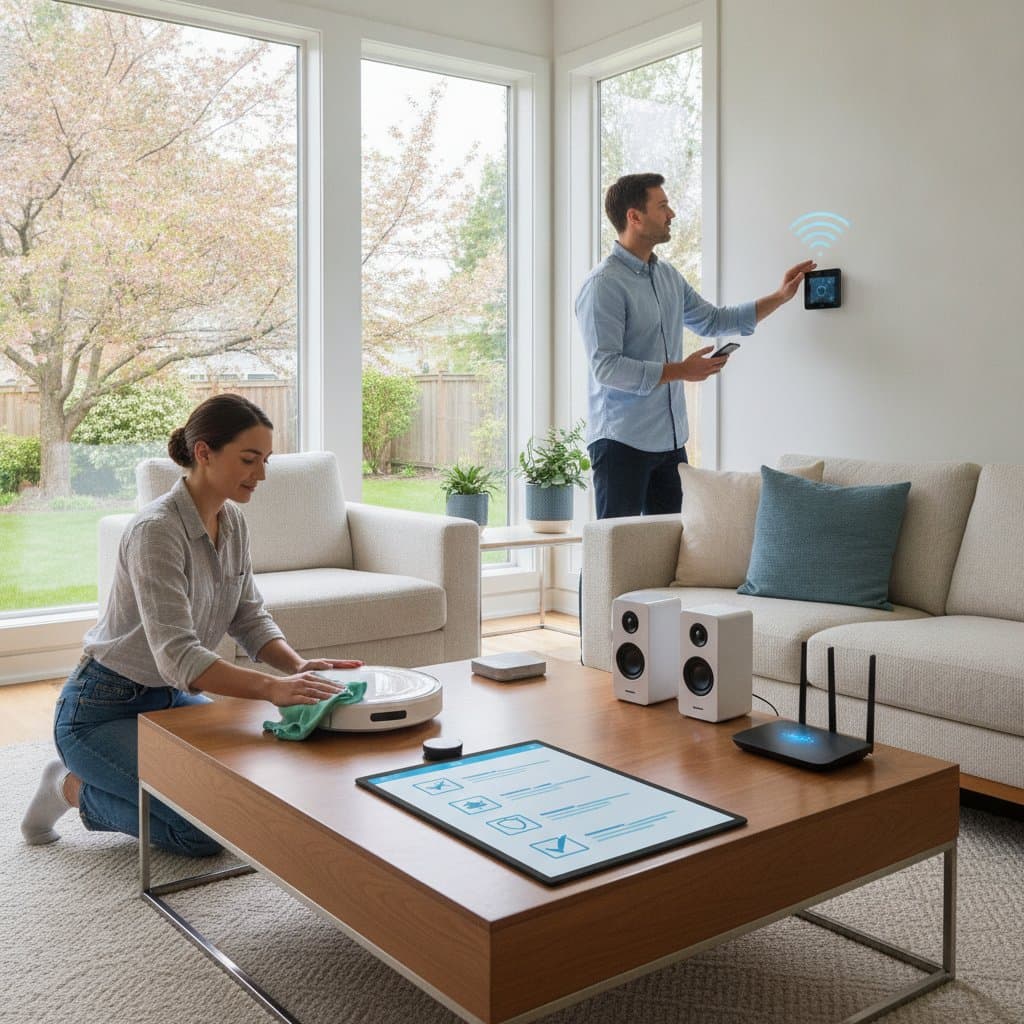
Spring Smart Home Maintenance Checklist
- Inspect and calibrate thermostats and HVAC sensors for accuracy.
- Refresh lighting schedules and replace worn bulbs.
- Test network stability and apply firmware updates.
- Review security settings and change passwords.
- Clean sensors and verify automation routines.
Spring brings warmer weather and an opportunity to address smart home systems before minor issues escalate. Sensors, wiring, and automated devices accumulate wear during winter months. A structured review now reduces energy costs, prevents security gaps, and extends equipment life.
This guide presents a clear sequence of tasks. Each section covers specific checks, expected time, and typical expenses. The process restores reliable performance across climate, lighting, and network components.
Step 1: Inspect and Calibrate Smart Climate Controls
Thermostats and HVAC sensors operate continuously. Small calibration errors increase runtime and accelerate component wear.
Compare the thermostat display to a separate thermometer. Recalibrate when readings differ by more than two degrees. Vacuum vents to clear dust from airflow sensors. Replace filters and reset reminder alerts in the companion app. Test each zone in multi-zone systems to confirm damper operation.
These tasks require roughly one hour. Supplies such as filters and basic cleaning tools cost between twenty-five and fifty dollars.
When a thermostat loses its Wi-Fi connection repeatedly, nearby appliances may cause interference. Relocate the router or install a range extender to restore stable communication.
Step 2: Refresh Smart Lighting and Energy Systems
Daylight length changes in spring. Lighting schedules and bulb performance therefore need adjustment.
Update timers to align with longer days. Replace any bulbs that flicker or dim unevenly. Add new scenes for morning and evening routines. Wipe fixtures to remove dust that reduces output.
Smart plugs and energy monitors should be cross-checked against utility statements. Recalibrate or update firmware when readings diverge. New bulbs and fixture cleaning typically range from thirty to eighty dollars.
Step 3: Evaluate Network Health and Automation Hubs
Stable connectivity supports every connected device. Outdated firmware or weak signals produce intermittent failures.
Position the router away from metal surfaces and at a moderate height. Install pending firmware updates on routers and hubs. Select the clearest Wi-Fi channel through built-in diagnostic tools. Restart hubs to reestablish device links. Export configuration files for quick recovery after resets.
Update network passwords each season and enable two-factor authentication on primary control apps. These steps require about forty-five minutes and incur little or no cost unless hardware replacement becomes necessary.
Common Problems and Quick Fixes
Devices may still exhibit occasional faults despite regular care. Early identification limits disruption.
Frequent offline status often stems from outdated firmware or signal weakness. A mesh extender resolves coverage gaps. False motion alerts usually trace to dust or overlapping detection zones. Clean lenses and adjust coverage boundaries. Delayed automations frequently result from cloud latency. Shift routines to local processing for immediate execution. App freezes after updates respond to cache clearing or reinstallation before hardware resets.
Safety and Seasonal Timing
Electrical connections require caution. Disconnect power at the circuit breaker before cleaning or adjusting wired devices. Use insulated tools near outlets. Follow manufacturer guidance on moisture exposure. Engage a licensed electrician for damaged wiring or repeated breaker trips.
Outdoor cameras and weather sensors need bracket and seal inspection. Winter moisture loosens fittings and promotes corrosion.
Protecting Your Long-Term Investment
Consistent spring reviews keep systems efficient and responsive. Updated logs and scheduled follow-ups maintain performance gains throughout the year. The result is lower operating costs and dependable daily operation.