
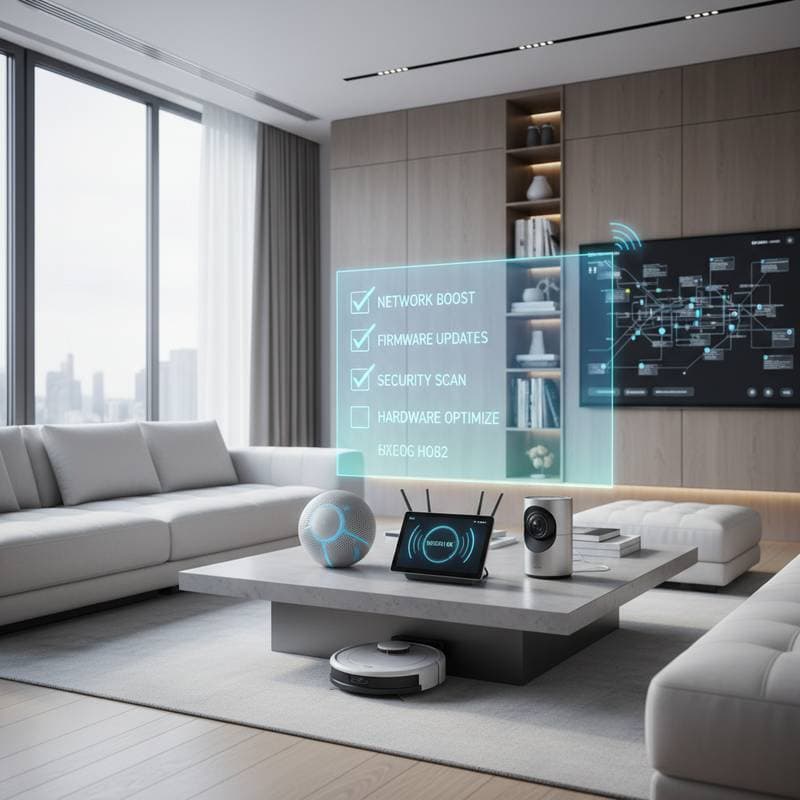
2026 Smart Home Checklist for Peak Device Performance
If your smart home feels a little less responsive lately, you are not alone. Lights may take extra seconds to activate. Voice assistants might misinterpret basic commands. These issues build gradually yet signal the need for maintenance.
This checklist provides practical steps to restore speed, extend device lifespan, and maintain network stability. The guidance applies whether you manage a handful of gadgets or a fully integrated household.
Begin with a Full System Assessment
Review the entire setup before addressing individual items.
- Test network speed across rooms. Inconsistent results often point to coverage gaps. A mesh router system resolves most issues and typically costs between 150 and 400 dollars.
- List every connected device. Many households discover far more items than expected. This inventory reveals duplicate hubs and aging equipment.
- Verify firmware on all devices and apps. Monthly checks correct security gaps and improve compatibility.
- Restart the main hub and router each month. A brief power cycle clears temporary software conflicts.
Improve Power Delivery and Connections
Reliable power and stable signals support every smart device.
- Examine outlets and power strips for wear. Loose connections cause frequent dropouts. Replace any damaged strips immediately.
- Swap low batteries in sensors and remotes. Weak power leads to missed readings and offline status. Rechargeable batteries reduce ongoing expense.
- Configure routers to balance 2.4 GHz and 5 GHz traffic automatically. Group similar devices on the same band to shorten response times.
Label every cord and hub during this process. Clear identification speeds future troubleshooting.
Strengthen Security Measures
Protection must accompany convenience.
- Replace factory passwords on every device. Unique, complex credentials block common attacks.
- Activate two factor authentication through each manufacturer app. The added verification step limits unauthorized access.
- Isolate devices on a separate network when the router permits. This separation shields personal data from potential breaches.
A dedicated network monitor adds further oversight for a one time cost between 100 and 300 dollars.
Adjust Performance by Room
Different spaces present distinct demands.
Kitchen
Smart appliances share bandwidth with streaming equipment. Position a Wi Fi extender nearby or connect critical units by cable. Clean sensor surfaces regularly to preserve touch accuracy.
Living Room
Dust accumulation interferes with microphones and speakers. Wipe surfaces gently each month. Test voice commands periodically and adjust calibration when delays appear.
Bedrooms
Thermostats and lighting should support rest. Keep sensors unobstructed and recalibrate them with each season change. Replace bulbs that flicker to avoid shortened service life.
Exterior Areas
Outdoor units encounter weather exposure. Clean camera lenses and light housings every three months. Maintain solar panels by removing debris that blocks charging.
Determine When Professional Support Is Needed
Certain conditions exceed routine maintenance.
- Persistent connection drops after hardware upgrades
- Incompatibility among devices from multiple manufacturers
- Repeated power fluctuations or heat from hubs
Technicians charge 100 to 200 dollars per hour. Professional recalibration often prevents larger failures.
Establish Ongoing Habits
- Tie audits to existing routines such as HVAC filter changes.
- Retain original packaging and instructions for reset procedures.
- Photograph wiring layouts and app configurations before alterations.
- Limit the number of platforms to one or two major ecosystems for smoother updates.
Achieve Consistent Daily Operation
Following these steps produces immediate improvements. Lights activate without delay. Speakers remain synchronized. Temperature control stays accurate. Regular attention keeps the entire system reliable throughout the year.