
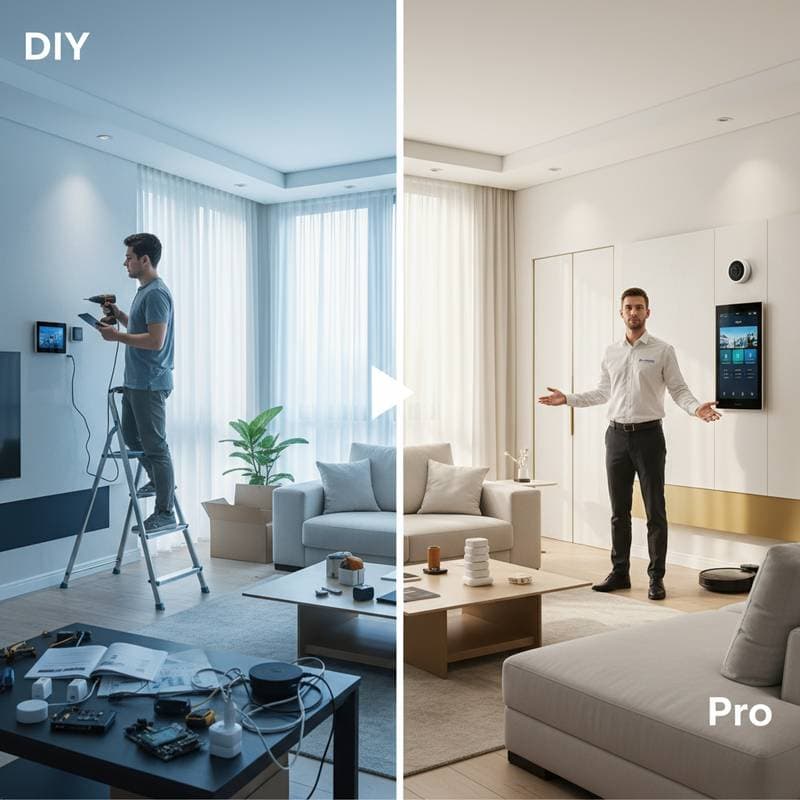
Weighing DIY Against Professional Smart Home Installation
Imagine a smart home where lights adjust automatically to your preferences, thermostats optimize energy use based on occupancy, and security systems alert you instantly to potential issues. Achieving this vision requires careful planning. The core decision involves whether to install the system yourself or engage a professional service.
This choice influences system performance, total expenses, security measures, and future expandability. Key considerations include your familiarity with technology, the scope of devices involved, and financial constraints. The following analysis outlines both options to guide your selection based on practical needs.
Analyzing Costs: DIY Versus Professional Services
Initial expenses and ongoing costs vary significantly between approaches. DIY setups allow direct control over purchases, often reducing outlays. Professional services, however, incorporate expertise that prevents costly errors.
| Category | DIY Smart Home Setup | Professional Installation |
|---|---|---|
| Initial Cost | Ranges from $200 to $2,000 for devices and hubs | Typically $800 to $5,000 based on system scale |
| Labor | Requires personal time, no direct fees | $75 to $150 per hour or fixed packages |
| Maintenance | Self-managed updates and issue resolution | Includes support contracts or service plans |
| System Expansion | Incremental additions at low additional cost | Involves scheduling and extra charges |
| Warranty and Support | Relies on device manufacturer coverage | Often extends to installation and operation |
DIY approaches yield upfront savings but may incur hidden expenses, such as replacing mismatched components. Professional installations demand higher initial investment yet promote compatibility and reduce long-term repairs.
Evaluating Time Investment
Simple installations, like adding smart bulbs or outlets, demand only a few hours. More comprehensive networks, including integrated lighting and security, extend to multiple days or weekends. Each added device heightens the risk of integration challenges, prolonging the process.
Professionals streamline setup, often finishing complex projects in one day through proven methods and diagnostic tools. They optimize network configurations to minimize interference. For individuals with demanding schedules, this efficiency justifies the added expense.
Ensuring Reliability and Optimal Performance
System dependability marks a primary distinction. DIY configurations risk intermittent failures from signal drops or update incompatibilities, leading to unreliable operation.
Professionals engineer setups for resilience, incorporating wired backups and robust hubs capable of managing high traffic without delays. They validate automation sequences to confirm consistent responses across devices. For applications in security or daily accessibility, this level of assurance surpasses self-managed efforts.
Handling Troubleshooting and Ongoing Maintenance
Smart systems inevitably face disruptions, from connectivity losses to automation glitches.
Steps for DIY Troubleshooting
- Power cycle the affected device or central hub.
- Verify Wi-Fi coverage and signal quality in the area.
- Install the latest firmware via the manufacturer's application.
- Reestablish connections if pairing issues arise.
- Consult online communities or official support resources for advanced solutions.
Steps for Professional Maintenance
- Reach out to the service provider for assistance.
- Allow remote analysis to pinpoint problems quickly.
- Schedule an on-site evaluation for hardware or wiring concerns.
- Rely on experts for system updates and fine-tuning.
Self-directed fixes enhance user knowledge but often result in extended disruptions. Expert intervention minimizes interruptions through structured protocols, supporting sustained performance.
Adopting a Hybrid Model for Balanced Results
A combined strategy appeals to many users, leveraging strengths from both methods. Begin with straightforward DIY elements to build familiarity, then involve specialists for intricate components.
Example Hybrid Implementation
- Initial Phase: Install smart plugs, LED bulbs, and voice assistants independently to test basic functions.
- Intermediate Phase: Engage professionals for advanced features, such as surveillance integration, smart locks, and full-network tuning.
- Ongoing Phase: Manage routine adjustments personally, supplemented by annual expert reviews.
This method controls expenditures while securing critical elements. Users acquire practical skills alongside dependable core functionality.
Developing Proficiency in Smart Home Management
Success in either path requires understanding core operations. Familiarize yourself with platform-specific tools, including automation routines, scene setups, and trigger conditions. Test scenarios like schedule-driven lighting or motion-activated alerts to align with routines such as morning preparations or evening wind-downs.
Regularly update device software, secure accounts with complex passwords, and archive custom settings. When using professional services, obtain detailed records, including wiring schematics and access credentials, to maintain control. Effective management transforms technology into an intuitive extension of home life.
Advancing Your Smart Home for Lasting Efficiency
Smart home development represents an ongoing process that adapts to changing needs. Strategic planning enhances daily convenience, conserves resources, and elevates security. To proceed, assess your current setup against these insights, prioritize essential devices, and implement phased improvements for maximum return on investment.