
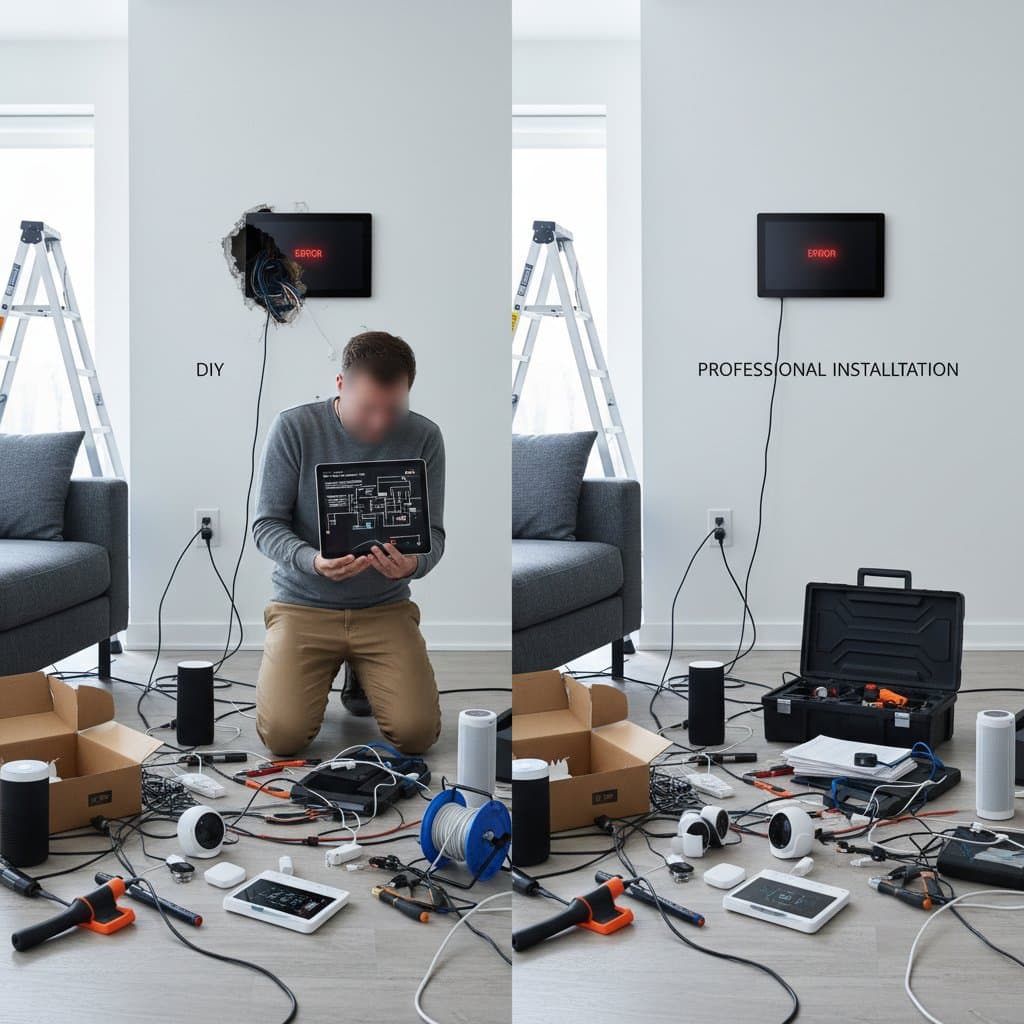
Why DIY Smart Home Setup Costs More in 2026
Homeowners often envision installing smart devices as a straightforward path to savings. The appeal lies in avoiding professional fees while achieving a connected living space through simple app setups and basic wiring. However, the reality of DIY smart home projects in 2026 reveals a landscape of escalating expenses driven by advanced technology demands and integration challenges. These factors transform initial cost estimates into substantial overruns, prompting many to reconsider the value of expert assistance.
The Growing Complexity of Smart Devices
Contemporary smart home ecosystems extend far beyond isolated gadgets like Wi-Fi-enabled bulbs or basic cameras. Systems now encompass interconnected elements such as climate control units, automated shading mechanisms, and multi-room audio setups, all unified through sophisticated protocols. Managing these requires navigating diverse ecosystems from brands like Google, Amazon, and Apple, each with proprietary standards that demand precise configuration.
Device prices range from $25 for entry-level sensors to $300 for advanced hubs, yet the true investment emerges in the configuration process. Users frequently encounter hurdles when synchronizing devices across platforms, such as ensuring a Philips Hue light strip communicates seamlessly with a Nest thermostat. Even experienced individuals may dedicate entire weekends to firmware updates and protocol alignments, a time commitment that equates to hidden labor costs.
To illustrate, consider integrating a smart lock with an existing alarm system. This task involves verifying API compatibility, adjusting network settings, and testing failover scenarios. Without prior knowledge, trial-and-error methods lead to repeated purchases of adapters or replacement units, amplifying expenses.
Hidden Costs That Add Up
DIY approaches eliminate upfront labor charges, yet ancillary requirements quickly diminish these advantages. Essential purchases include mounting hardware, such as weatherproof enclosures for outdoor sensors, and signal boosters to maintain connectivity in larger homes. A mid-range router upgrade alone can cost $150, while custom cabling for in-wall installations adds another $100 to $300 depending on home size.
Troubleshooting represents a significant unforeseen expense. When a device malfunctions, such as a camera feed dropping during peak usage, resolution often involves scouring online resources or acquiring diagnostic software. Manufacturer support for DIY setups remains minimal, frequently directing users to community forums. In extreme cases, hiring a specialist for a one-hour diagnostic session incurs fees of $100 or more, surpassing the cost of initial professional involvement.
Budget for these elements by creating a detailed inventory. For example, a basic setup with five devices might require $200 in supplementary tools and $150 in network enhancements, pushing the total beyond initial projections.
Why Professional Installation May Be Cheaper in the Long Run
Certified installers leverage specialized equipment, including spectrum analyzers for signal optimization and calibration tools for device synchronization. Their expertise allows completion of projects in hours rather than days, with hourly rates typically ranging from $75 to $125. Warranties on workmanship and compatibility assurance further reduce long-term risks.
Compare scenarios: A comprehensive installation featuring smart lighting, a programmable thermostat, and entryway security could cost $1,800 to $2,500 through professionals, inclusive of materials and support. In contrast, DIY equivalents begin at $900 for hardware but escalate with $400 in additional components, $200 in tools, and intangible costs like 20 hours of personal time valued at market rates.
Professionals also preempt issues through pre-installation audits, identifying structural incompatibilities or bandwidth limitations early. This proactive approach minimizes rework, ensuring the system operates efficiently from day one.
Safety and Network Considerations
Every smart device connects to the home network, exposing it to potential vulnerabilities if configured improperly. Exposed ports or default passwords invite unauthorized access, compromising personal data and physical security. Experts implement layered defenses, including VLAN segmentation to isolate guest devices and regular vulnerability scans.
For those pursuing DIY, prioritize secure practices: Change all default credentials, enable two-factor authentication, and use mesh networks for robust coverage. Nonetheless, complex setups like whole-home automation benefit from professional oversight to align with emerging standards such as Matter protocol, which enhances interoperability while bolstering encryption.
Steps to Decide on Your Smart Home Approach
Evaluate your project scope by listing intended devices and verifying cross-brand compatibility via official documentation. Calculate comprehensive costs, incorporating a 20 percent buffer for contingencies like extended warranties or software subscriptions.
Consider a hybrid model for balance: Delegate intricate elements, such as security camera arrays or energy management hubs, to specialists while managing simpler additions like voice-activated switches independently. This strategy optimizes expenditure and reliability.
Ultimately, prioritize functionality over frugality. A well-executed smart home delivers efficiency and convenience, transforming daily routines without ongoing disruptions. Assess your technical comfort level honestly; when in doubt, professional input ensures a seamless transition to connected living.